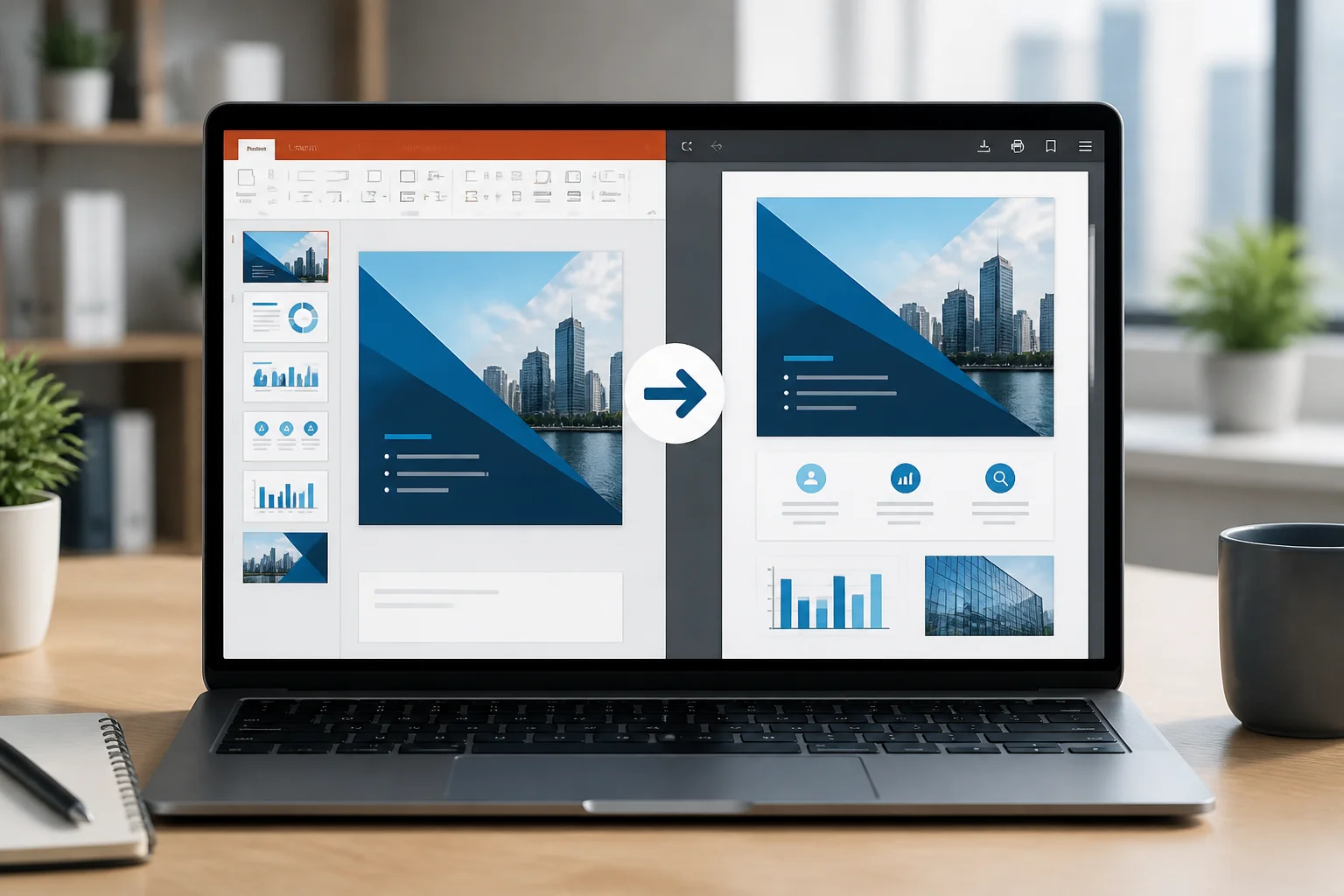
When comparing PPTX vs PDF, the best choice depends on what you need to do next. Use PPTX when you need to create, edit, animate, or present a slide deck. Use PDF when you want to share a stable copy, print slides, submit an assignment, or make sure the layout looks the same on another device.
In many workflows, the practical answer is to use both: keep the editable PPTX as your working file, then export or convert a final copy to PDF for distribution.
PPTX vs PDF at a glance
| Need | Better format | Reason |
|---|---|---|
| Create and edit slides | PPTX | Designed for changing text, images, layouts, charts, and themes. |
| Present with animations or transitions | PPTX | Preserves presentation features that a static document cannot reproduce. |
| Share a final version | Usually keeps the page appearance fixed and is easy to view. | |
| Print handouts or slides | Provides a predictable page format and print layout. | |
| Collaborate on the source presentation | PPTX | Recipients can continue editing the deck. |
| Prevent accidental layout changes | Recipients are less likely to alter the visual arrangement by mistake. | |
| Reuse slides in a future presentation | PPTX | Elements remain available for editing and rearranging. |
What is a PPTX file?
PPTX is the standard modern presentation format associated with Microsoft PowerPoint. It stores slides along with editable elements such as text boxes, images, shapes, tables, charts, speaker notes, themes, and other presentation content.
The main strength of PPTX is flexibility. You can change a heading, replace an image, resize a chart, apply a new theme, reorder slides, or add speaker notes without rebuilding the presentation from scratch. That makes PPTX the appropriate format while a presentation is still being developed.
A PPTX file can also contain presentation behavior, including transitions and animations. Those features matter when the deck will be delivered as a slideshow rather than read as a static document.
What is a PDF file?
PDF, or Portable Document Format, is designed to preserve the appearance of a document across different devices and applications. A PDF version of a presentation normally shows each slide as a fixed page.
That fixed structure is useful when the recipient should see the finished design rather than edit the source. Fonts, spacing, images, colors, and page proportions are generally kept in the exported document, although the final result can still depend on the original presentation settings and the conversion process.
PDF is especially useful for documents that will be emailed, uploaded to a website, submitted for review, printed, or archived. It is also a convenient option when the recipient may not have PowerPoint or another presentation editor.
Key differences between PPTX and PDF

Editing and collaboration
PPTX is the clear choice for active editing. A colleague can revise the wording, update figures, add slides, or change the design using a compatible presentation editor.
PDFs can sometimes contain selectable text, comments, forms, or annotations, but they are not normally intended to function as fully editable slide sources. Editing a PDF may be possible, yet it is usually less convenient than editing the original PPTX.
Layout stability
A PPTX presentation can look different when opened in another environment. Differences may result from missing fonts, substituted fonts, application versions, slide dimensions, image handling, or other display settings.
A PDF is usually more reliable when the priority is preserving the final visual arrangement. This is why schools, businesses, clients, and print services often request PDF instead of the editable presentation file.
Animations, transitions, and multimedia
PPTX supports presentation features such as slide transitions and animations. Depending on the presentation, it may also include audio, video, hyperlinks, and interactive elements.
When a PPTX is converted to PDF, the result is generally a static document. Animations do not play from a normal PDF page, and a video or other interactive element may not behave as it did in the slideshow. If those features are essential, keep the PPTX for presenting.
Viewing and compatibility
PPTX works best in a presentation application or a compatible viewer. The recipient may need suitable software to open it correctly and to access all of its features.
PDF is widely used for viewing and printing because it is intended to present a fixed document. It is often the safer choice when you do not know which presentation software the recipient uses.
Security and control
A PPTX is an editable source file. Sharing it gives the recipient access to the underlying slide content, which may be exactly what you want for collaboration but not for a final client-facing document.
A PDF is better for distributing a finished visual copy. It does not make a document impossible to copy or modify, but it reduces the risk of ordinary accidental changes to the slide layout. If a document contains sensitive information, choose sharing and access controls appropriate to the situation rather than relying on file format alone.
When should you use PPTX?
Choose PPTX when one or more of these situations applies:
- You are still writing or designing the presentation.
- Other people need to edit the slides.
- You need animations, transitions, speaker notes, or interactive presentation features.
- You expect to reuse slides in a later presentation.
- You need to update charts, tables, images, or data regularly.
- You want to preserve the original source for future changes.
For example, a teacher preparing a lesson, a student building a class presentation, and a sales team updating a proposal should normally keep a PPTX master file. It is the most useful format during the creation and revision stages.
When should you use PDF?
Choose PDF when the document is ready to distribute and the visual appearance matters more than editability:
- Submitting an assignment or application.
- Sending a final proposal or report to a client.
- Sharing slides with people who only need to read them.
- Printing presentation pages or handouts.
- Uploading a fixed version to a portal or website.
- Archiving an approved version of the presentation.
- Reducing confusion about which version is final.
PDF is also useful when you want recipients to read the material without opening it in slideshow mode. Slides can be viewed as pages, printed, or annotated depending on the software being used.
Why convert PPTX to PDF?
Converting PPTX to PDF creates a distribution copy while leaving the original presentation available for later editing. This separates the working file from the version intended for readers, reviewers, clients, or printers.
Conversion can help when the recipient does not have PowerPoint, when the submission instructions request PDF, or when you want to reduce the chance that fonts and layout will change on another computer. Before sending the PDF, review every page, especially slides with charts, unusual fonts, transparent objects, videos, or dense designs.
If you need a practical walkthrough, see how to convert PPTX to PDF online. If you do not have PowerPoint installed, the guide on converting PowerPoint to PDF without PowerPoint may be more relevant.
How to choose the right format for common situations
For a school or college assignment
Follow the submission instructions first. If the instructor requests a PDF, submit PDF even if you created the work in PPTX. Keep the PPTX as a backup in case you need to correct a spelling error or prove how the presentation was built.
For a client or manager
Send a PDF when the content has been approved and the recipient only needs to review the finished version. Send PPTX when the recipient is expected to edit, comment on the structure, or reuse the slides.
For live presenting
Use PPTX or another format designed for presentations if animations, transitions, notes, embedded media, or interactive navigation are important. A PDF can work as a simple visual reference, but it should not be treated as a full replacement for an animated slide deck.
For printing
PDF is generally the safer choice for printing because pages are fixed. Check the slide size, orientation, margins, and whether the document should print one slide per page or several slides per sheet. Also inspect the exported file for clipped text and low-quality images.
For online sharing
Use PDF when you want a straightforward reading copy. Use PPTX when recipients need to make changes or when the file must remain a working presentation. If the deck contains large images or multimedia, check the final file before uploading or emailing it.
Does converting PPTX to PDF reduce quality?
Conversion can affect quality, but the result depends on the presentation content and export settings. Text and basic vector shapes often remain sharp, while images may appear softer if they are compressed or were already low resolution. Some fonts, transparency effects, charts, or unusual objects may also need review.
To improve the final result:
- Use the correct slide size before exporting.
- Review fonts and replace unusual fonts if necessary.
- Check images at their intended print or viewing size.
- Open the PDF and inspect every slide after conversion.
- Confirm that hyperlinks, page order, and text placement are correct.
- Keep the original PPTX in case the PDF needs to be regenerated.
Can you convert a PDF back to PPTX?
PDF-to-PPTX conversion may recover some text and visual elements, but it is not always equivalent to opening the original presentation. A PDF stores the finished page appearance, not necessarily the original slide structure, editable objects, animation settings, or source data.
If you expect future revisions, retain the original PPTX rather than relying on a converted copy. A PDF is best treated as the final viewing or printing version, not as a substitute for the editable source.
Best practice: keep both files
For most professional, educational, and freelance workflows, the safest approach is simple:
- Create and revise the presentation in PPTX.
- Save a clearly named master copy.
- Export or convert a PDF when the content is ready to share or print.
- Review the PDF page by page.
- Send the format requested by the recipient and keep both versions organized.
For example, you might keep project-presentation-master.pptx for editing and create project-presentation-final.pdf for distribution. Clear filenames help prevent an unfinished source file from being sent accidentally.
Final verdict: PPTX or PDF?
There is no universal winner in the PPTX vs PDF comparison. PPTX is the better working format because it supports editing, collaboration, animations, notes, and future reuse. PDF is the better delivery format when you need a stable, easy-to-view, print-friendly copy of finished slides.
If you are unsure, keep the PPTX as the original and create a PDF for sharing. That approach gives you an editable backup while providing recipients with a consistent version of the presentation.
For related conversion options, you can compare the site’s PPT to PDF converter guide or learn about turning slides into images with the PPTX to JPG converter.