How to Reduce PowerPoint PDF File Size Without Ruining Quality
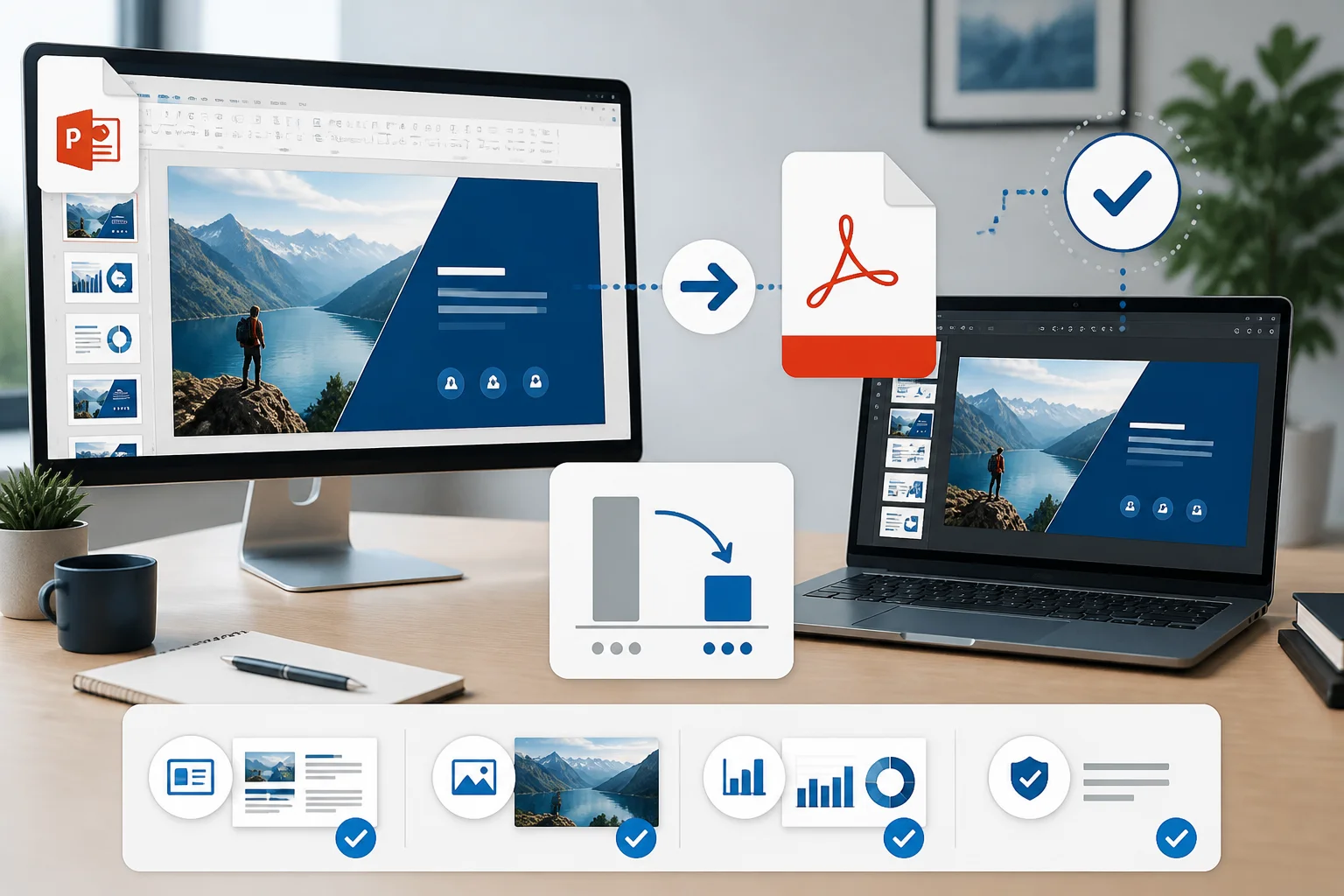
Large PowerPoint PDFs are often caused by oversized images, embedded fonts, video, and unnecessary export settings. Learn how to reduce file size while keeping slides sharp and readable.
A PowerPoint PDF can become unexpectedly large because of high-resolution images, embedded media, fonts, and export settings. Learn how to identify the cause and reduce the file size without making slides unreadable.
Need only a few slides from a presentation? Follow these steps to export selected PowerPoint slides as a PDF without converting the entire deck.
Need a PDF that includes your presentation notes? Learn how to export PowerPoint slides with speaker notes, select the correct page layout, and troubleshoot missing or badly formatted notes.
Large PowerPoint presentations can fail during export or create oversized PDFs. Learn practical ways to convert them reliably while protecting slide quality, fonts, images, notes, and links.
Save a PowerPoint as a PDF on Windows using PowerPoint’s built-in export or Save As options. This guide covers slide ranges, handouts, notes, quality settings, fonts, and troubleshooting.
You do not need Microsoft PowerPoint to turn a PPT or PPTX presentation into a PDF. This guide explains the easiest methods, their trade-offs, and how to check the result before sharing or printing.
Blurry images in a PowerPoint PDF usually come from low-resolution source files, oversized images, compression, or export settings. Use this practical checklist to keep slides sharp.
Blurry images after converting a PowerPoint presentation to PDF usually come from low-resolution source files, image compression, scaling, or the export method. This guide explains how to keep slides sharp from start to finish.
Save a PowerPoint as a PDF on Mac in a few clicks. This guide explains the best PowerPoint export method, print-to-PDF alternatives, common formatting issues, and what to check before sharing.