How to Make a PowerPoint PDF Smaller for Email
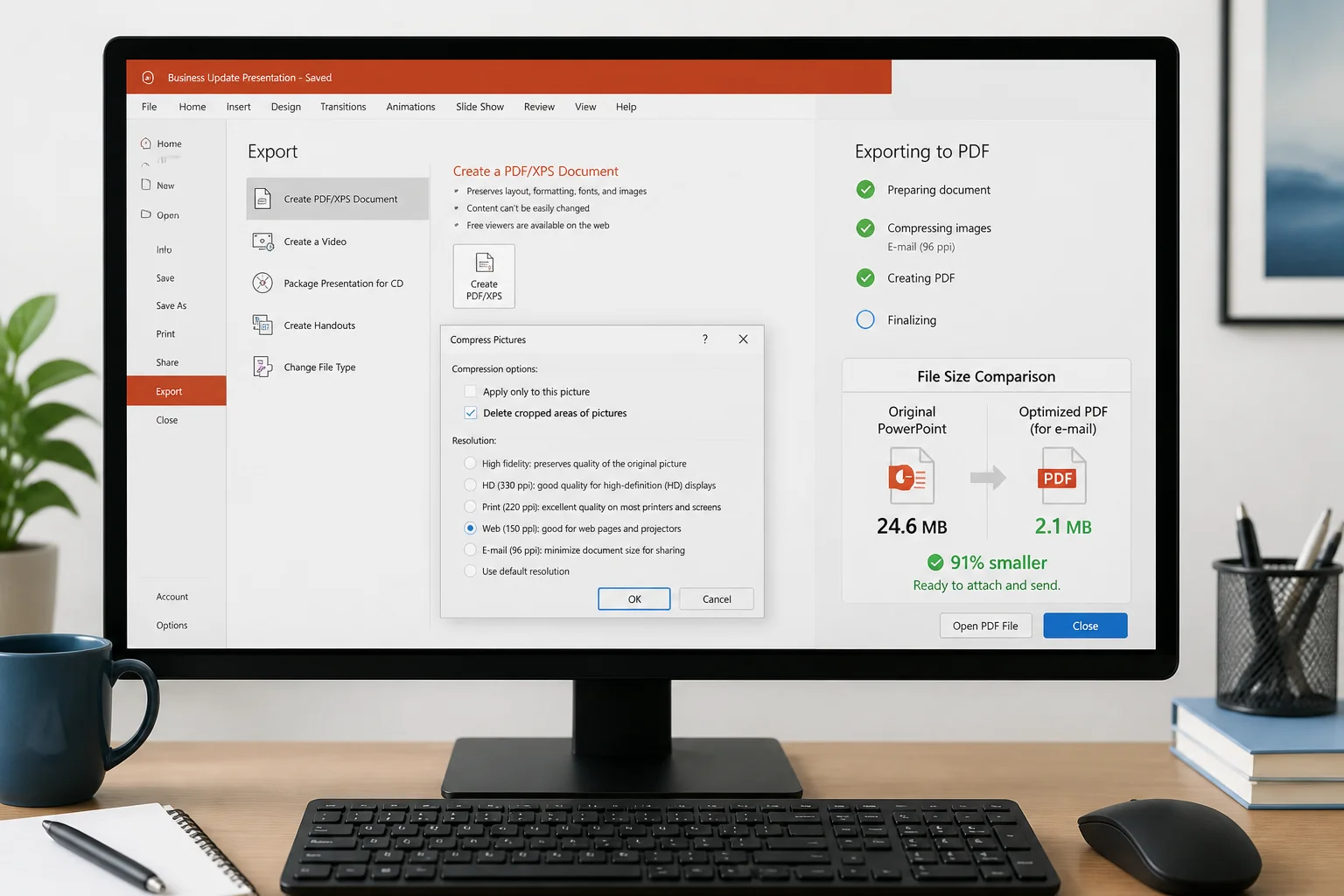
Need to email a PowerPoint PDF that is too large? Follow these practical steps to reduce its size while keeping slides readable and professional.
Need to email a PowerPoint PDF that is too large? Follow these practical steps to reduce its size while keeping slides readable and professional.

Use the right slide size, PDF export options, image resolution, color settings, and print layout to create PowerPoint PDFs that look clean on paper.

Large PowerPoint PDFs are often caused by oversized images, embedded fonts, video, and unnecessary export settings. Learn how to reduce file size while keeping slides sharp and readable.

A PowerPoint PDF can become unexpectedly large because of high-resolution images, embedded media, fonts, and export settings. Learn how to identify the cause and reduce the file size without making slides unreadable.

PowerPoint fonts can disappear, substitute incorrectly, or change layout when a presentation is exported to PDF. Learn why it happens and how to fix it before sharing or printing.

Need to convert a PowerPoint presentation to PDF on Linux? This guide explains the simplest methods, including LibreOffice, online conversion, and command-line workflows, plus tips for checking fonts, animations, layouts, and print quality.

Save a PowerPoint as a PDF on Windows using PowerPoint’s built-in export or Save As options. This guide covers slide ranges, handouts, notes, quality settings, fonts, and troubleshooting.

You do not need Microsoft PowerPoint to turn a PPT or PPTX presentation into a PDF. This guide explains the easiest methods, their trade-offs, and how to check the result before sharing or printing.

Learn why PowerPoint hyperlinks stop working in PDFs and how to preserve, test, and troubleshoot links to websites, files, email addresses, and other slides.

Blurry images after converting a PowerPoint presentation to PDF usually come from low-resolution source files, image compression, scaling, or the export method. This guide explains how to keep slides sharp from start to finish.