Best PowerPoint-to-PDF Settings for High-Quality Printing
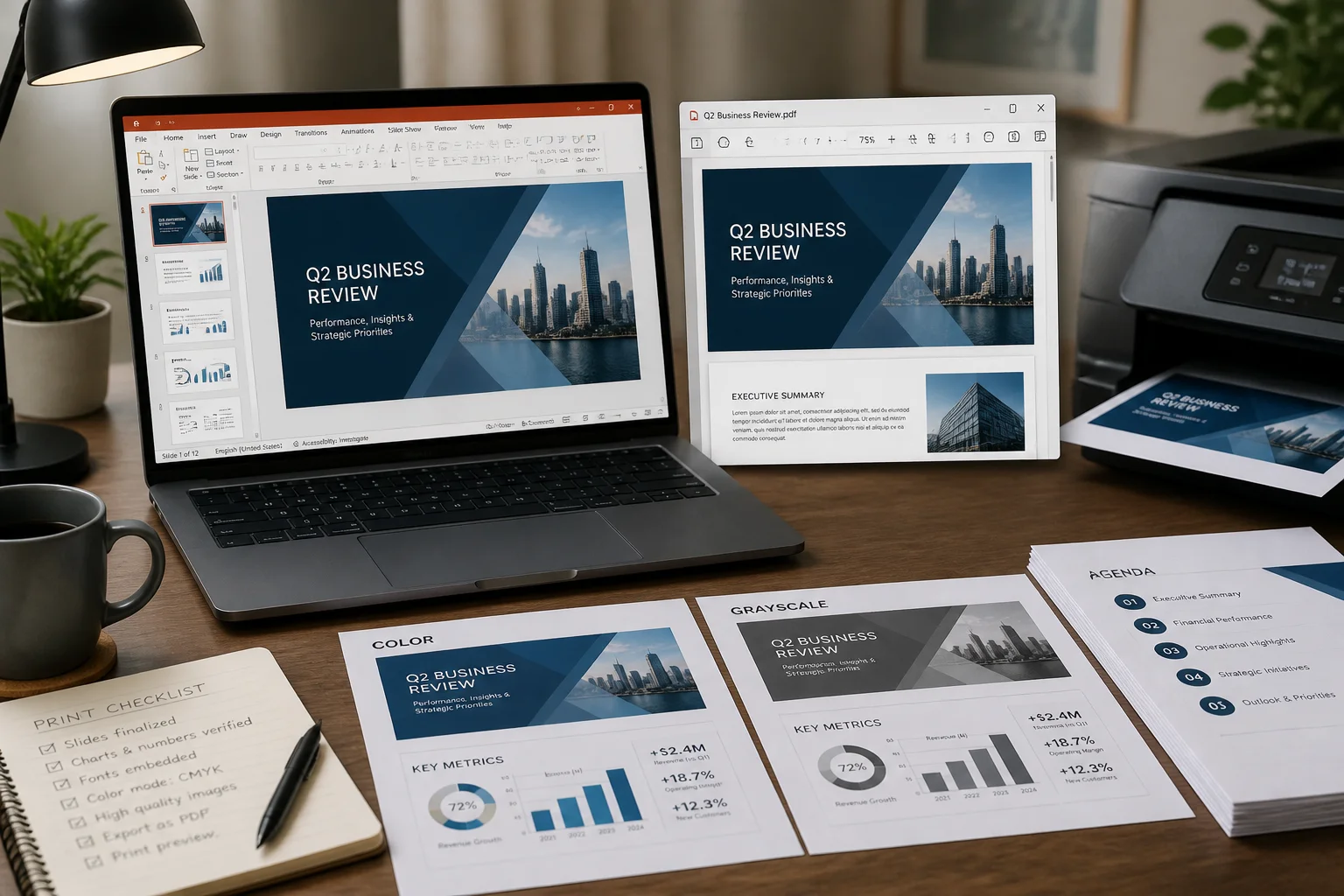
Use the right slide size, PDF export options, image resolution, color settings, and print layout to create PowerPoint PDFs that look clean on paper.
Use the right slide size, PDF export options, image resolution, color settings, and print layout to create PowerPoint PDFs that look clean on paper.

A PowerPoint PDF can become unexpectedly large because of high-resolution images, embedded media, fonts, and export settings. Learn how to identify the cause and reduce the file size without making slides unreadable.

Need several PowerPoint slides on each PDF page? Learn how to export or print presentations as handouts, choose the right slide-per-page layout, and avoid common formatting problems.

PowerPoint transparency effects can change or disappear after PDF export. Learn why it happens and how to fix faded shapes, overlays, images, gradients, and text before sharing or printing your file.

PowerPoint colors can look different in a PDF because the presentation and PDF may use different color handling, transparency rendering, themes, or viewing settings. Learn what causes the change and how to reduce it before sharing or printing.

If your PowerPoint slides are cut off after PDF export, the cause is usually a mismatch between slide size, printable page area, scaling, or the conversion method. Use this guide to find and fix the problem before sharing or printing your PDF.

PowerPoint fonts can disappear, substitute incorrectly, or change layout when a presentation is exported to PDF. Learn why it happens and how to fix it before sharing or printing.

If PowerPoint will not save or export to PDF, the cause is usually a damaged file, unsupported content, missing fonts, permissions, or an export setting. Use this step-by-step troubleshooting guide to identify and fix the problem.

Need to convert a PowerPoint presentation to PDF on a Chromebook? Follow the simplest browser-based methods and learn how to preserve layout, check the PDF, and fix common export problems.

Convert a PowerPoint presentation to PDF online with Microsoft 365. Follow the export steps, choose the right options, and check fonts, animations, notes, and print layout before sharing.