Best PowerPoint-to-PDF Settings for Email and Sharing
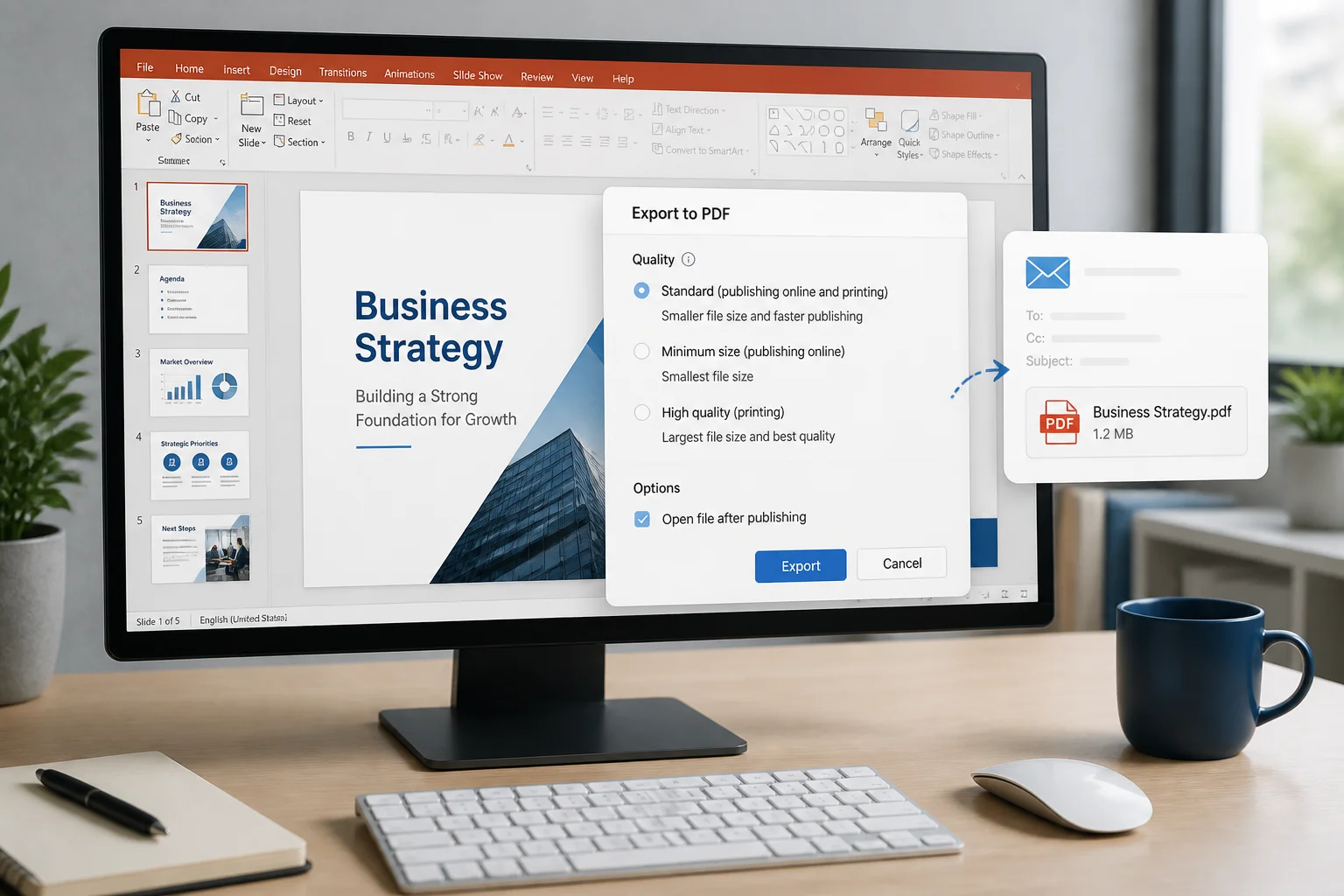
Use the right PowerPoint export settings to create a PDF that is easy to email, quick to open, readable on screen, and suitable for printing when needed.
Use the right PowerPoint export settings to create a PDF that is easy to email, quick to open, readable on screen, and suitable for printing when needed.

PowerPoint transparency effects can change or disappear after PDF export. Learn why it happens and how to fix faded shapes, overlays, images, gradients, and text before sharing or printing your file.

PowerPoint colors can look different in a PDF because the presentation and PDF may use different color handling, transparency rendering, themes, or viewing settings. Learn what causes the change and how to reduce it before sharing or printing.

PowerPoint fonts can disappear, substitute incorrectly, or change layout when a presentation is exported to PDF. Learn why it happens and how to fix it before sharing or printing.

If PowerPoint will not save or export to PDF, the cause is usually a damaged file, unsupported content, missing fonts, permissions, or an export setting. Use this step-by-step troubleshooting guide to identify and fix the problem.

Prepare a PowerPoint presentation for professional double-sided handouts or folded booklets. This guide explains PDF export, page arrangement, duplex settings, booklet printing, and common mistakes.

You can convert a PowerPoint presentation to PDF in Google Slides by uploading the PPTX file, opening it with Google Slides, checking the imported layout, and downloading the presentation as a PDF. This guide explains each step and how to fix common formatting issues.

If your PowerPoint fonts change in PDF, the cause is usually an unavailable font, font substitution, missing embedding, or a layout issue. Use this practical checklist to fix the presentation and verify the exported file.

Need to convert several PowerPoint presentations at once? Compare practical batch-conversion methods, learn how to preserve formatting, and check your PDFs before sharing or printing.

If a PowerPoint icon or SVG disappears after PDF export, the cause is usually the graphic itself, unsupported effects, layering, fonts, or the conversion method. Use these practical fixes to restore it.