How to Make a PowerPoint PDF Smaller for Email
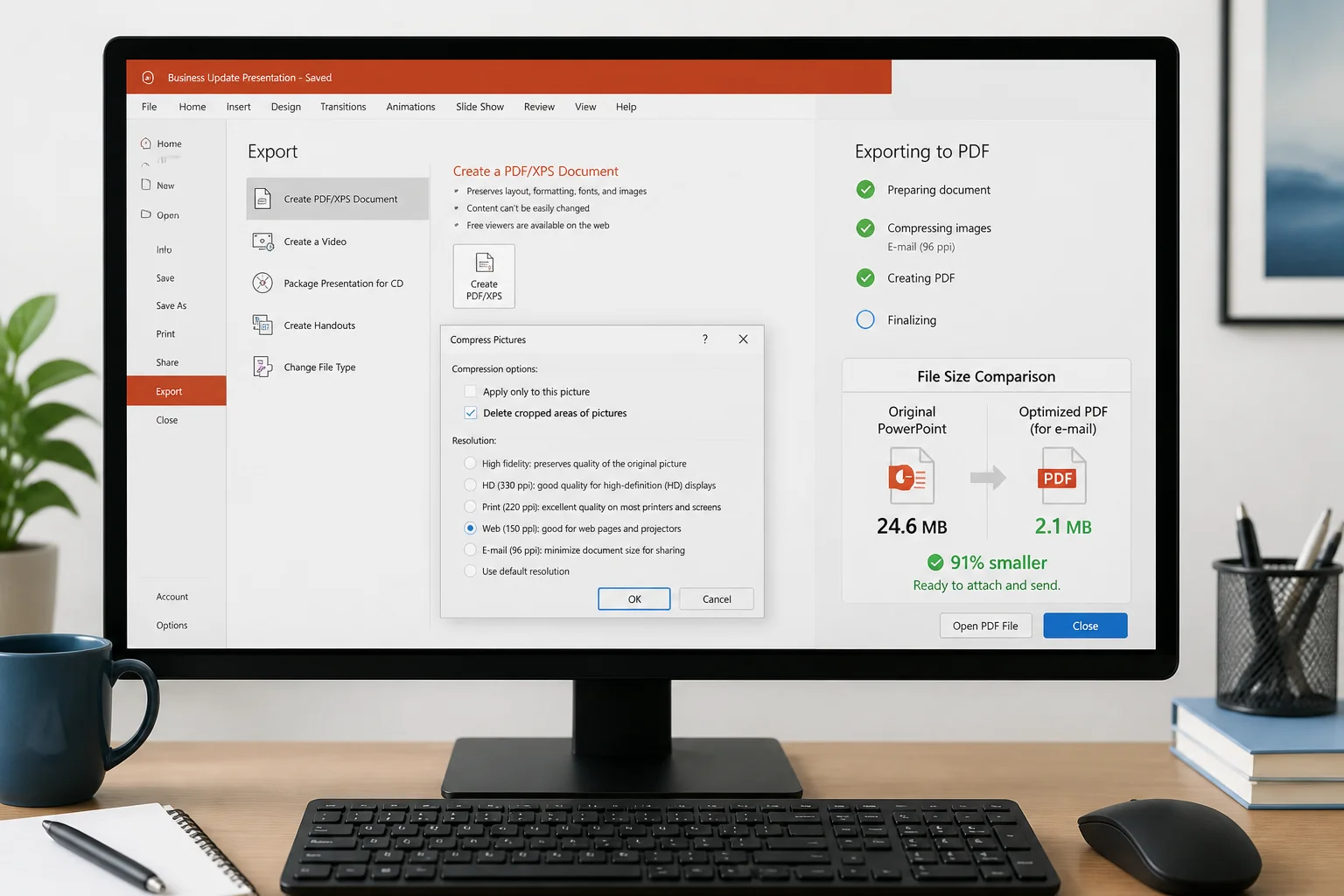
Need to email a PowerPoint PDF that is too large? Follow these practical steps to reduce its size while keeping slides readable and professional.
Your blog category
Need to email a PowerPoint PDF that is too large? Follow these practical steps to reduce its size while keeping slides readable and professional.
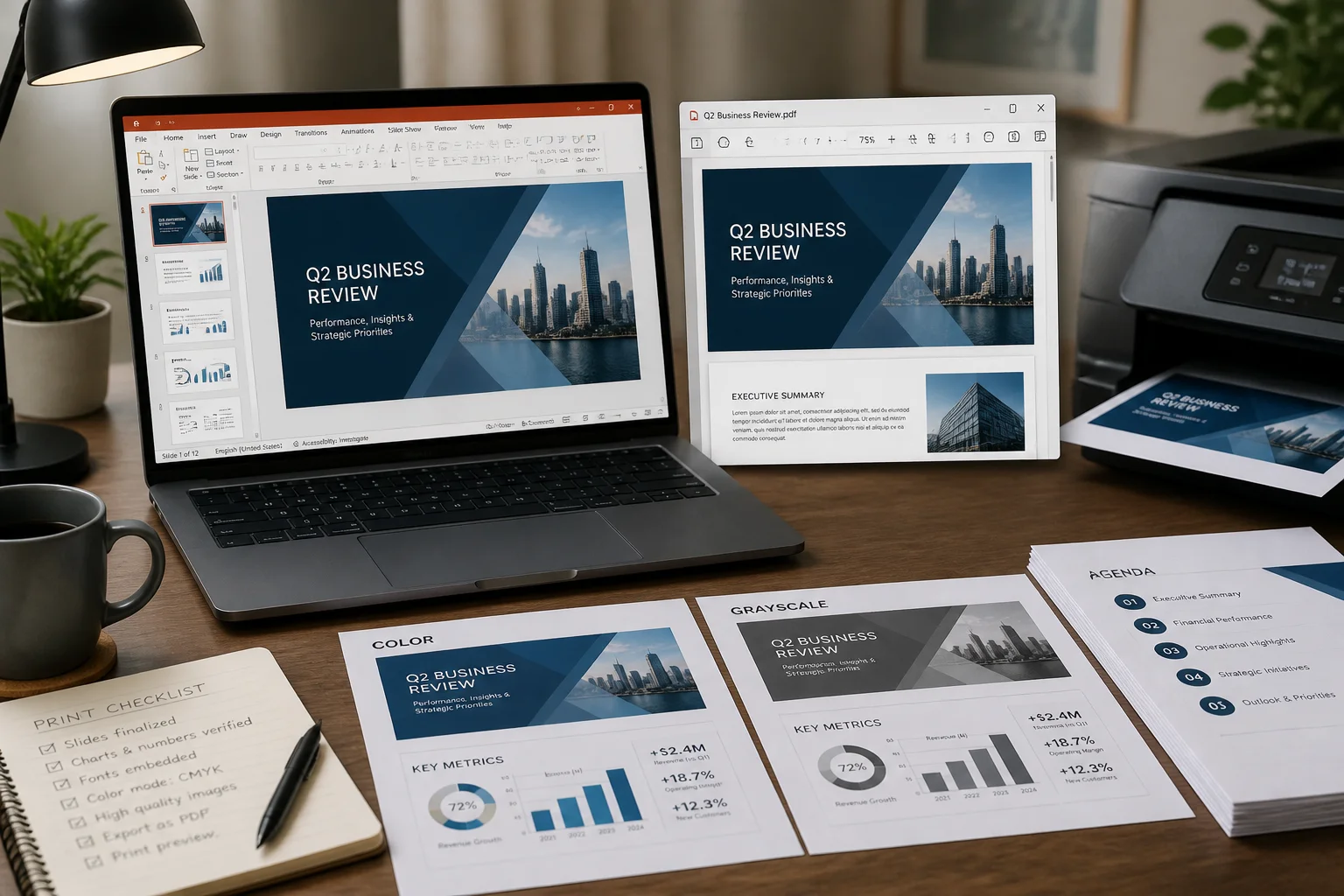
Use the right slide size, PDF export options, image resolution, color settings, and print layout to create PowerPoint PDFs that look clean on paper.
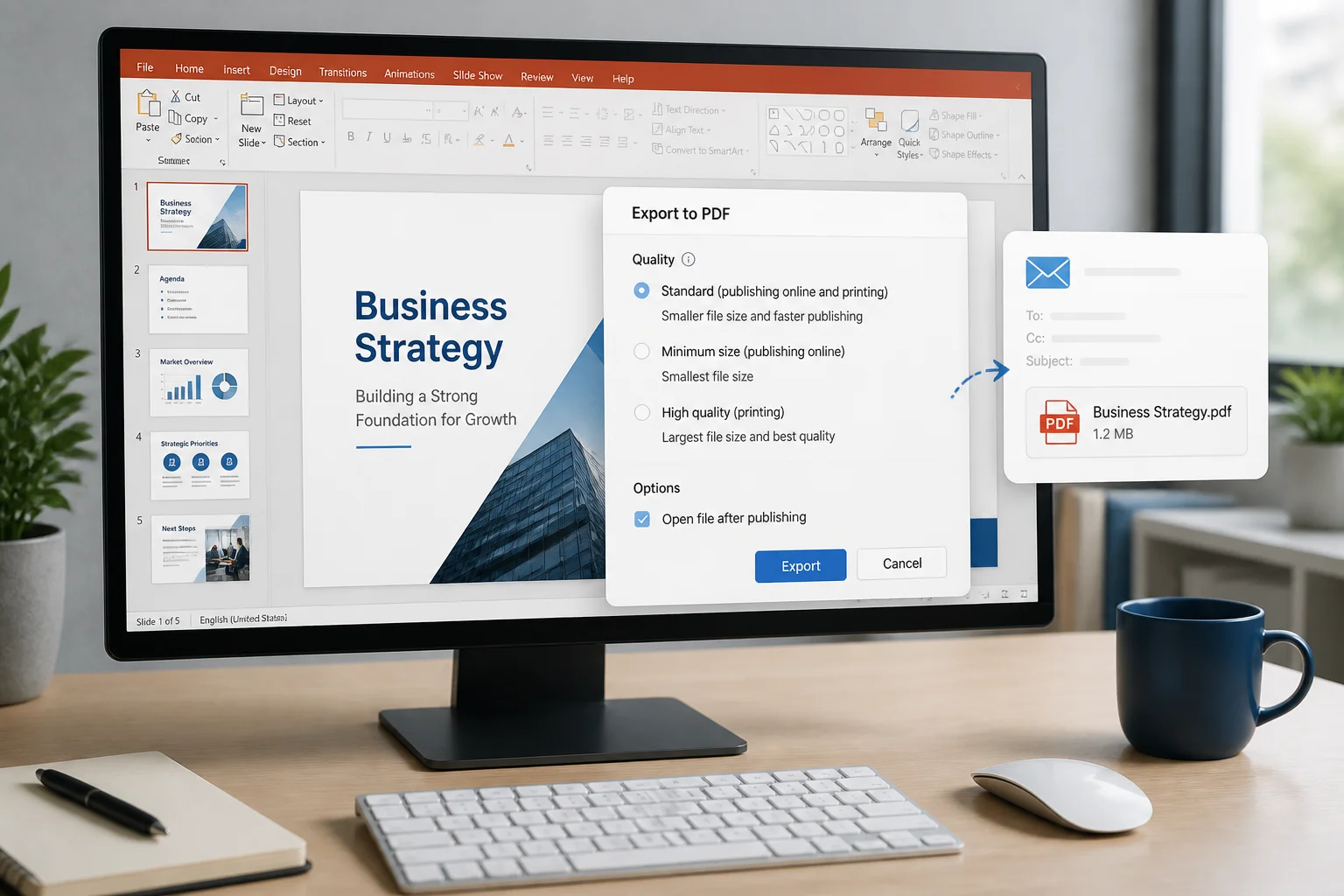
Use the right PowerPoint export settings to create a PDF that is easy to email, quick to open, readable on screen, and suitable for printing when needed.

Large PowerPoint PDFs are often caused by oversized images, embedded fonts, video, and unnecessary export settings. Learn how to reduce file size while keeping slides sharp and readable.

A PowerPoint PDF can become unexpectedly large because of high-resolution images, embedded media, fonts, and export settings. Learn how to identify the cause and reduce the file size without making slides unreadable.

Need several PowerPoint slides on each PDF page? Learn how to export or print presentations as handouts, choose the right slide-per-page layout, and avoid common formatting problems.

A PowerPoint PDF is searchable when its words are stored as text rather than only as images. Learn how to export it correctly, diagnose common problems, and use OCR when necessary.

Before sending a PowerPoint as a PDF, remove sensitive information, control editing and printing, and verify that the exported file does not reveal more than intended.

Convert a PowerPoint presentation to PDF using an online converter, Google Slides, LibreOffice, or Keynote. Compare the options and learn when PowerPoint for the web is useful.
Quick Summary: Converting your PowerPoint presentation to PDF takes less than a minute. Upload your PPTX file, let it process, and download a polished, share-ready PDF — no software installation required. Why You Might Need This Guide You’ve built a great presentation. Now you need to send it to a client, submit it to a … Read more