How to Convert Multiple PowerPoint Files to PDF
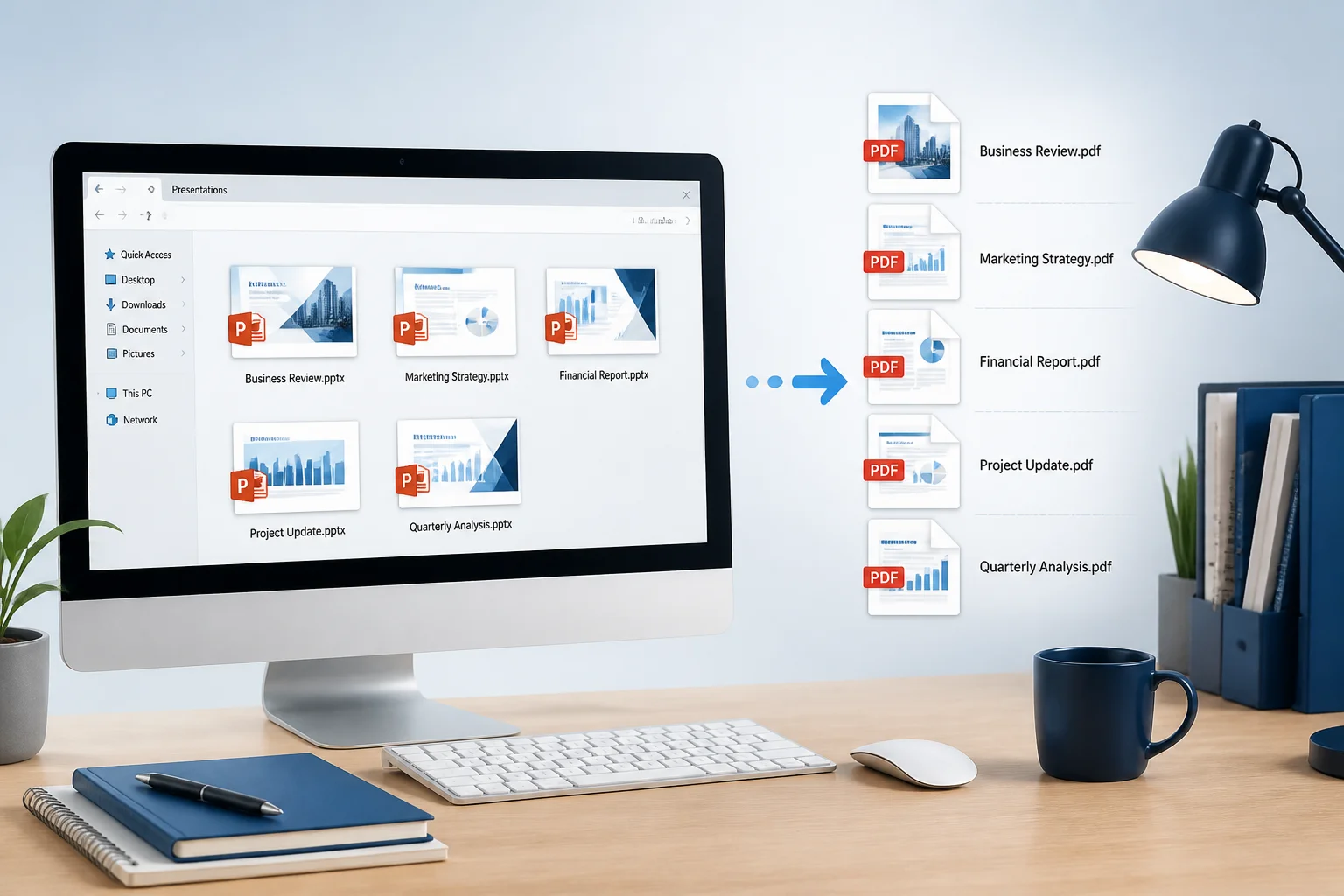
Need to convert several PowerPoint presentations at once? Compare practical batch-conversion methods, learn how to preserve formatting, and check your PDFs before sharing or printing.
Need to convert several PowerPoint presentations at once? Compare practical batch-conversion methods, learn how to preserve formatting, and check your PDFs before sharing or printing.

Convert a PowerPoint presentation to PDF on Android using Microsoft PowerPoint, Google Slides, or a browser-based tool. Follow the steps and check your PDF before sharing or printing.
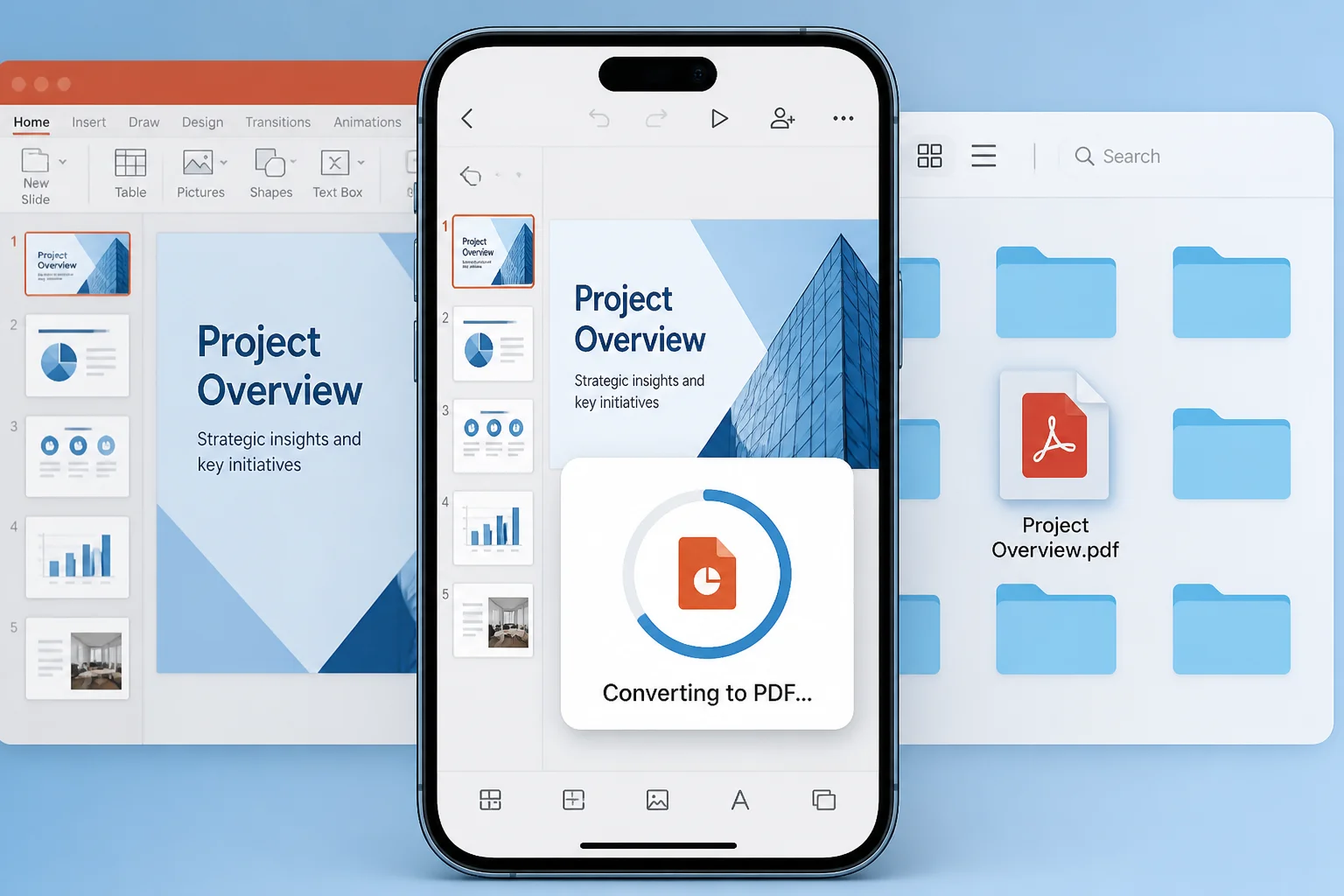
Need to turn a PowerPoint presentation into a PDF on your iPhone? Follow these practical methods using Microsoft PowerPoint, Files, Safari, or an online converter.

Save a PowerPoint as a PDF on Mac in a few clicks. This guide explains the best PowerPoint export method, print-to-PDF alternatives, common formatting issues, and what to check before sharing.

Convert a PowerPoint presentation to PDF reliably by checking fonts, images, slide size, animations, notes, hyperlinks, and print settings before exporting.

A practical preflight checklist for turning a PowerPoint presentation into a polished, client-ready PDF without broken layouts, missing fonts, or confusing page details.

PDF files preserve the appearance of PowerPoint slides, but they generally do not preserve clickable animations, transitions, or timed effects. Learn what to expect and which format to use instead.

PowerPoint animations generally do not remain animated after you export a presentation to PDF. Learn what happens to builds, transitions, videos, links, audio, and other presentation features—and what to use instead.

Converting a PowerPoint with embedded video to PDF usually preserves the slide, not the playable video. Learn how to check the result, prepare video content, and choose a better format when playback matters.

Before sending a PowerPoint as a PDF, remove sensitive information, control editing and printing, and verify that the exported file does not reveal more than intended.