How to Share a PowerPoint PDF Securely: Passwords, Permissions, and Redaction

A practical guide to secure PowerPoint PDF sharing, including password protection, permission settings, true redaction, safer delivery, and verification steps.
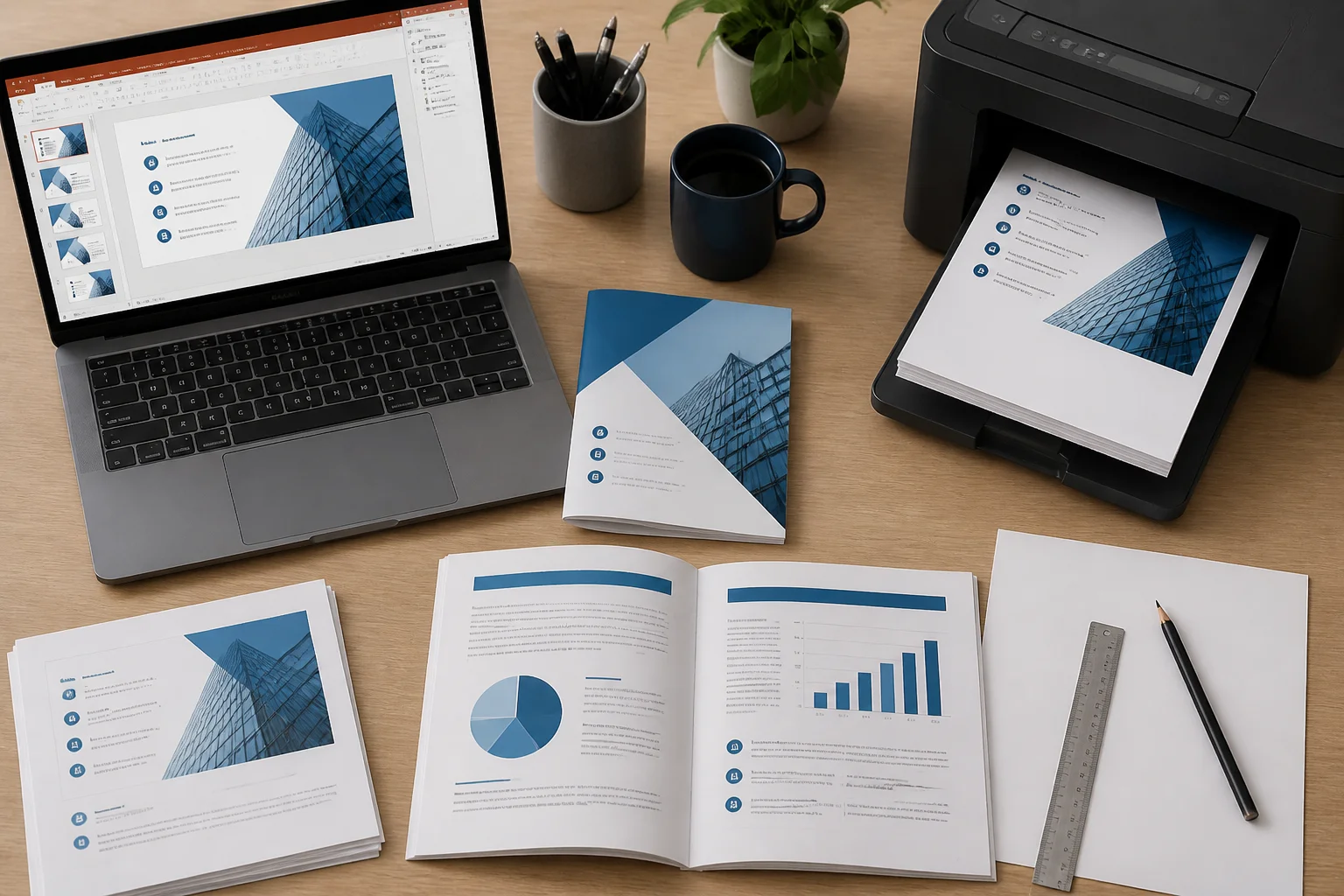
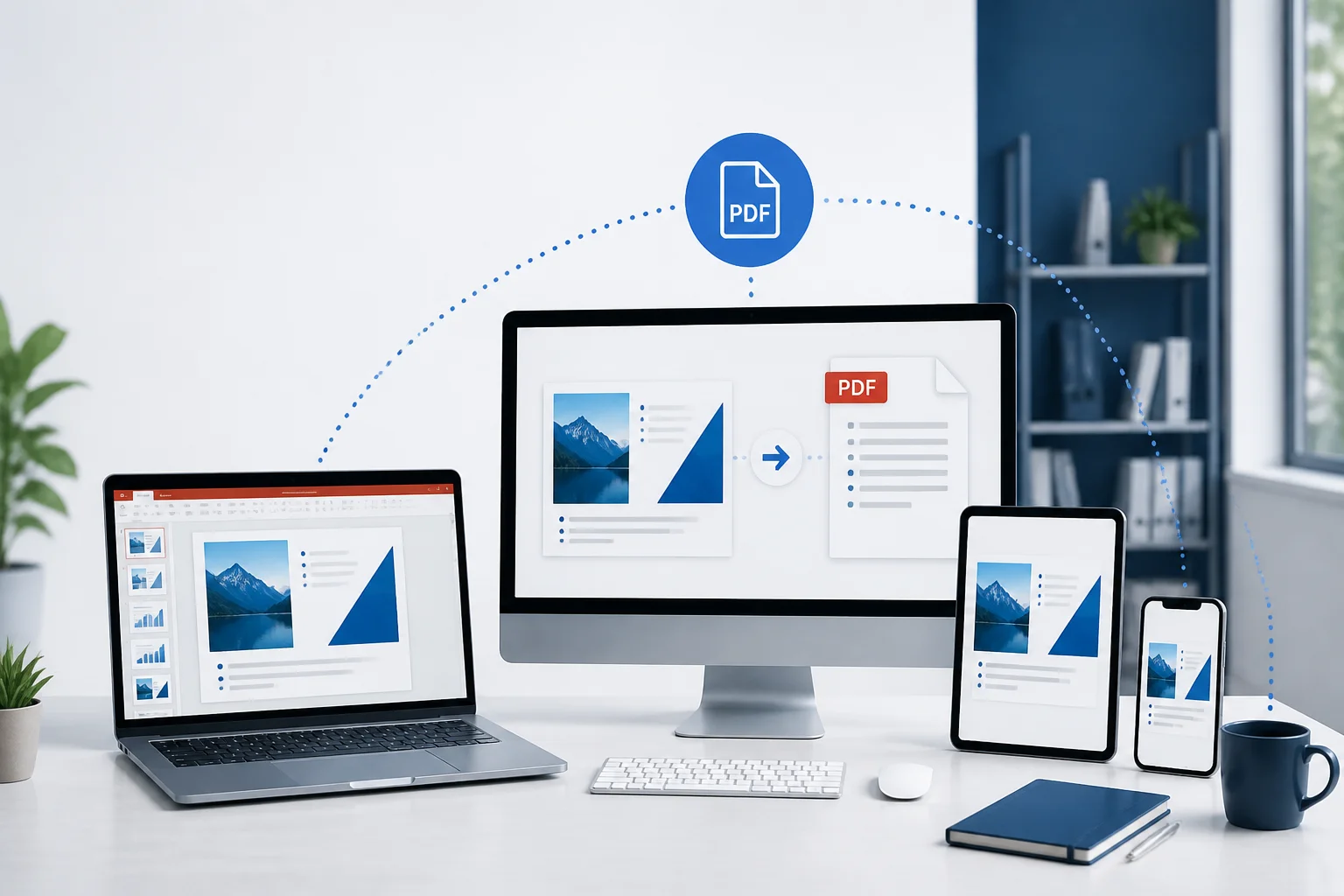
Prepare a PowerPoint presentation for professional double-sided handouts or folded booklets. This guide explains PDF export, page arrangement, duplex settings, booklet printing, and common mistakes.
PowerPoint links can work in the presentation but fail after PDF export or on another device. Use this practical guide to create dependable hyperlinks, export them correctly, and troubleshoot common problems.
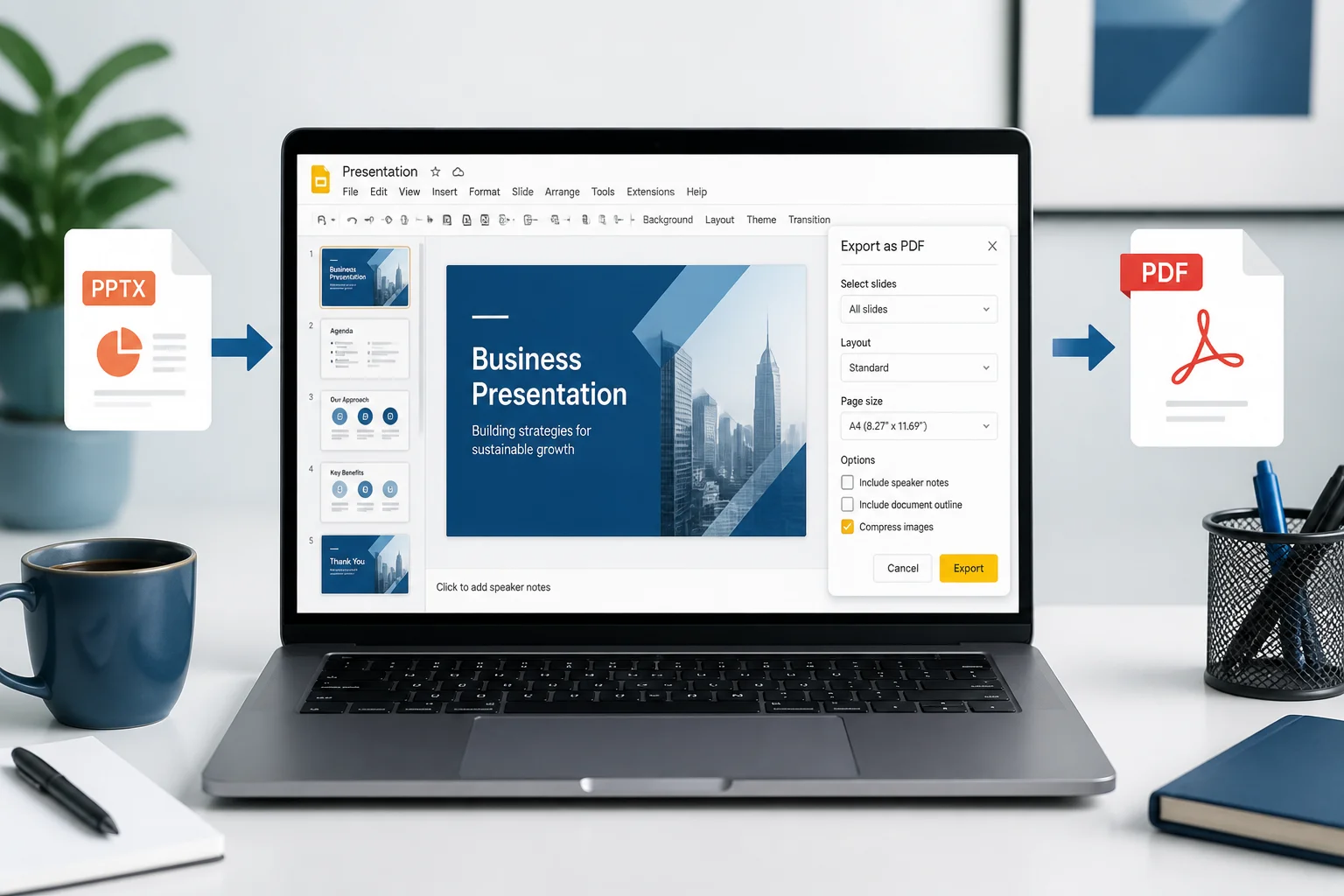
You can convert a PowerPoint presentation to PDF in Google Slides by uploading the PPTX file, opening it with Google Slides, checking the imported layout, and downloading the presentation as a PDF. This guide explains each step and how to fix common formatting issues.
Large PowerPoint presentations can fail during export or create oversized PDFs. Learn practical ways to convert them reliably while protecting slide quality, fonts, images, notes, and links.
Save a PowerPoint as a PDF on Windows using PowerPoint’s built-in export or Save As options. This guide covers slide ranges, handouts, notes, quality settings, fonts, and troubleshooting.
PowerPoint can export slides with speaker notes, but the correct layout and export settings matter. Follow these steps to create a readable notes PDF and troubleshoot common problems.
Learn why PowerPoint hyperlinks stop working in PDFs and how to preserve, test, and troubleshoot links to websites, files, email addresses, and other slides.
Blurry images in a PowerPoint PDF usually come from low-resolution source files, oversized images, compression, or export settings. Use this practical checklist to keep slides sharp.
Blurry images after converting a PowerPoint presentation to PDF usually come from low-resolution source files, image compression, scaling, or the export method. This guide explains how to keep slides sharp from start to finish.